Building Konvert, a Browser-Based File Converter
How I built a privacy-first file conversion app that runs conversions locally in the browser instead of uploading files to a server.
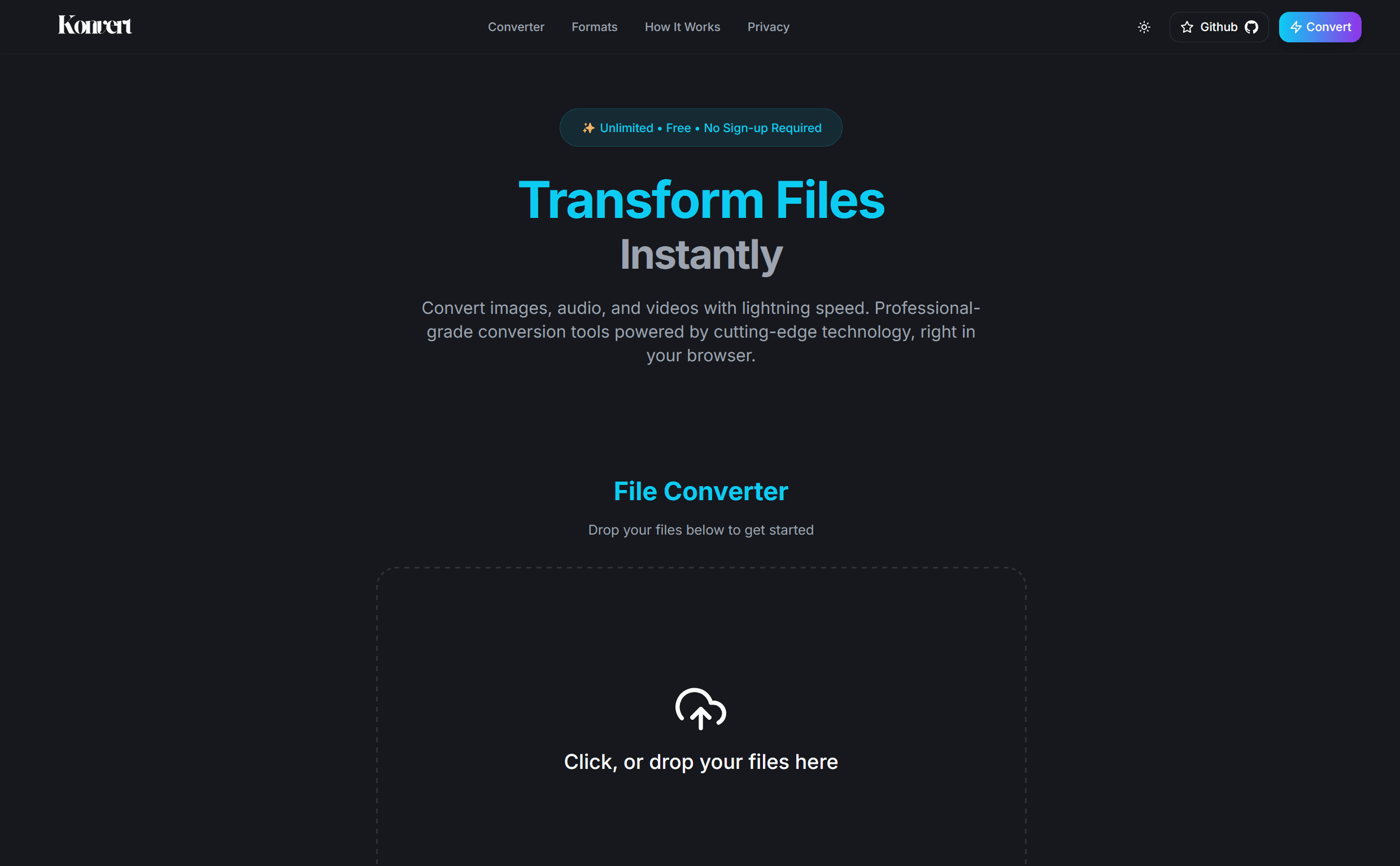
Most online file converters make me uncomfortable.
You upload a file, wait for a server to process it, hope the site is trustworthy, and then download the result. For small throwaway files, maybe that is fine. For personal documents, videos, or anything private, it feels wrong.
That was the reason behind Konvert: a file converter that runs in the browser and keeps files on the user's device.
The Product Idea
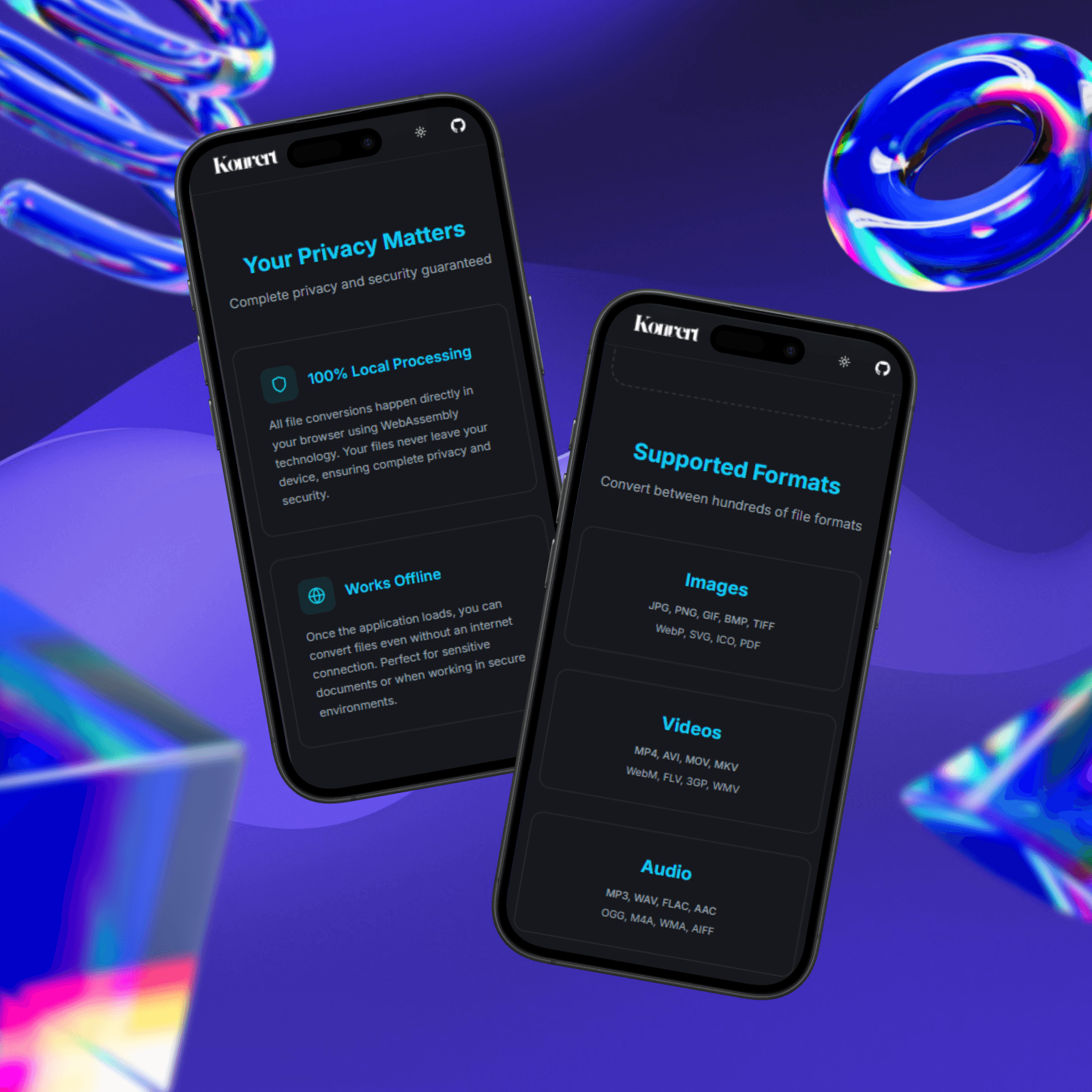
Konvert converts images, video, and audio without sending the source file to a backend. The heavy lifting happens locally through FFmpeg compiled to WebAssembly.
The goal was not to beat native desktop tools. It was to make the common conversion flow safer and easier:
- choose a file
- pick an output format
- convert locally
- download the result
No account. No upload queue. No mystery server.
Using FFmpeg in the Browser
The most interesting part was bringing FFmpeg into a web app. FFmpeg is powerful, but running it in the browser changes the constraints. You have to think about loading time, memory usage, file size, and how much work the browser can reasonably handle.
const ffmpeg = new FFmpeg();

await ffmpeg.load({ coreURL, wasmURL });
await ffmpeg.writeFile("input.mp4", inputData);
await ffmpeg.exec(["-i", "input.mp4", "output.webm"]);

const outputData = await ffmpeg.readFile("output.webm");
This was the point where the project became more than a UI exercise. I had to understand how files move through the browser, how WebAssembly exposes a virtual filesystem, and where the experience starts to slow down for large files.
Loading the converter is also part of the product experience. The FFmpeg core is much heavier than a typical frontend dependency, so I load it only when it is needed and make that state visible instead of leaving the interface looking frozen. After a conversion, temporary input and output files need to be removed from FFmpeg's virtual filesystem so repeated conversions do not keep consuming memory.
What Worked Well
Client-side processing made the privacy story clear. If the conversion happens locally, the user does not have to trust a backend with their file.
It also made the app feel immediate for smaller conversions. Once the FFmpeg runtime is loaded, the flow is straightforward.
The UI had to stay simple because file conversion is not something people want to study. They want to finish the task and move on.
The Tradeoffs
The browser is not magic. Large video files can be slow, and memory usage becomes a real limitation. A native app still wins for heavy batch processing or very large files.
That tradeoff shaped the product. Konvert works best as a convenient browser tool for everyday conversions, not as a replacement for professional media software.
Supporting many formats created a second tradeoff. Exposing raw FFmpeg flags would make the tool powerful but unpleasant to use. I moved that complexity into format-specific command builders and presets, so the interface can ask for an output format while the application decides which arguments are required.
What I Learned
- WebAssembly can make the browser feel much more capable, but it comes with loading and memory costs.
- Privacy is easier to communicate when the architecture actually supports it.
- A conversion tool should be boring in the best way: clear input, clear output, minimal friction.
- Performance issues become product decisions, not just engineering details.
Try It Out
Konvert reminded me that a useful app does not need a complicated pitch. A file converter should convert files, respect privacy, and get out of the way.
— Maruf